
Legacy ERP systems rarely fail overnight. They degrade gradually: reporting becomes more manual, month-end takes longer, and institutional knowledge about how the system works concentrates in fewer and fewer people.
Migrating to Business Central from a legacy ERP isn't a small decision. But for many mid-market organisations, it's the right one - if it's approached as a finance-led programme rather than an IT project. This guide covers what the move involves, where organisations run into trouble, and how to sequence things to avoid disruption when it matters most.
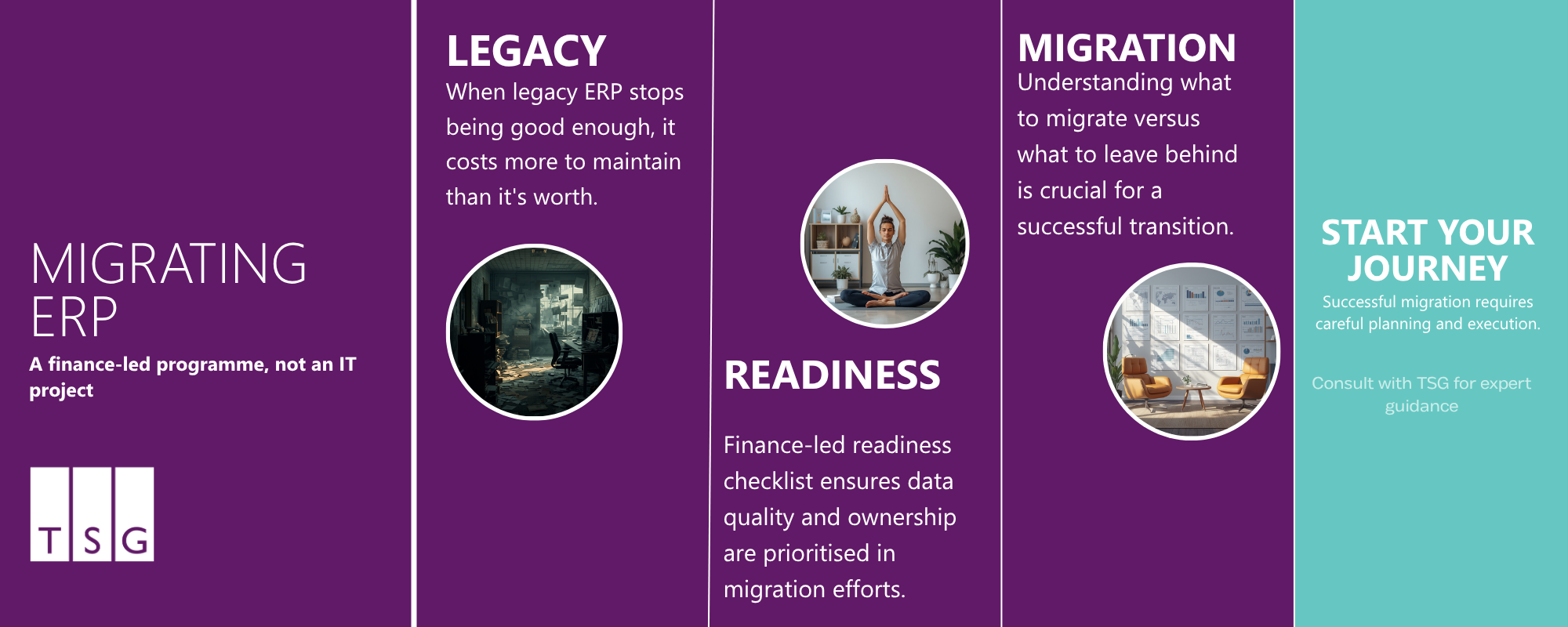
When legacy ERP stops being good enough
It doesn't fail dramatically. It just starts costing more to maintain than it's worth.
The signs are familiar: shadow spreadsheets because the system can't produce the reports leadership needs; month-end taking longer than it should; audit preparation that's disproportionately manual. And whenever someone mentions adding a new entity or a new integration, the answer is always "that'll be complicated."
Legacy systems accumulate technical debt - workarounds, undocumented customisations, and single points of knowledge that carry real operational risk. If one person leaves, something breaks. Growth, M&A activity, regulatory pressure, and board reporting expectations are the most common triggers for making the move. If any of those are in the pipeline, start that conversation now rather than mid-crisis.
What changes when you move to Business Central
Moving to Business Central is a change of processes, not just software. The instinct to replicate what you have today is understandable but often counterproductive - some processes built around your old system's limitations don't need rebuilding; they need removing. Chart of accounts structure, approval workflows, period-end processes, and consolidated reporting will all be reviewed. That requires genuine finance leadership from the start, not a sign-off at the end.
Are you ready to migrate? A finance-led checklist
Before committing to a migration, work through these questions honestly. Gaps aren't reasons to abandon the project, they're things to resolve before the clock starts.
Data quality and ownership: Do you know where your master data lives, who owns it, and what your approach is to historical data - what comes across and in what form?
Customisations versus standard processes: Which customisations are genuinely necessary, and which exist because no one questioned the legacy way of doing things? Can any be replaced with Business Central's standard functionality?
Reporting and compliance needs: What does your current reporting pack look like, and are there statutory or group requirements that need mapping before configuration begins?
Integrations: Which systems connect to your current ERP - payroll, banking, CRM - and which integrations are business-critical versus worth re-evaluating as part of the move?
If you can't answer these clearly, that's the starting point for your business apps migration planning.
What to migrate and what to leave behind
One of the most important conversations you'll have — and consistently underestimated.
What typically migrates:
- Open balances (debtors, creditors, bank) at cutover date
- Customer and supplier master data
- Chart of accounts and financial structure
- Open purchase and sales orders at go-live
- Closed historical transactions — accessible via read-only legacy access or a data warehouse
- Heavily customised legacy reports that won't be replicated
What typically stays behind or gets archived:
Moving large volumes of historical transactions introduces data quality risk and extends timelines. A clean opening balance with archived access to history is the right call for most organisations.
Phased migration versus big-bang: the trade-offs
Phased migration rolls Business Central out by module or entity over several months. Risk is contained, but running two systems in parallel adds overhead and potential for data inconsistency.
Big-bang migration moves everything at once over a weekend cutover. It's faster, but concentrates risk into a single event.
For most mid-market organisations, a phased approach — finance core first, then further modules — keeps scope manageable and builds confidence before the pressure of a full go-live.
The risks that trip most migrations up
The technical risks are manageable. The ones that cause genuine problems are organisational.
Underestimating the data effort. Data quality issues surface during extraction and cleansing. Build more time into this phase than feels necessary.
Weak ownership. Migrations need a clear owner with authority to make decisions. If ownership is diffuse, timelines slip.
Over-customising the new system. Every customisation adds time and overhead. Push back unless there's a clear business case.
Timing go-live badly. Avoid cutover during month-end, year-end, or audit periods.
Underinvesting in training. Finance teams need to understand the system before they rely on it. Training too close to go-live is a common failure point.
The bottom line
Where the current system is holding back reporting, compliance, or growth, the risk of staying put tends to outweigh the risk of moving.
Organisations that do this well treat it as a finance programme, not a technology deployment. They invest in data quality, resist replicating legacy behaviour, and put a senior owner in place with the authority to make it happen.
We've supported many organisations through this transition — mapping data, reviewing processes, and being honest about what's straightforward and what isn't. If you're ready to work out where to start, learn more about our business apps migration support.
Frequently asked questions
When should we move from a legacy ERP to Business Central?
The right time is before a crisis forces the issue. The clearest signals are: reporting is increasingly manual or inaccurate, the system can't support growth or new entities, support is limited or expensive, and key knowledge about how it works sits with one or two individuals. If more than two of those apply, it's worth starting the readiness conversation now.
What data should be migrated to Business Central — and what shouldn't?
Open balances, master data, and active transactions at the point of cutover are the priority. Historical closed transactions are generally better archived and accessed via read-only legacy access or a data warehouse. Migrating large volumes of historical data extends timelines and introduces quality risk without much operational benefit for most organisations.
How long does a Business Central migration typically take?
For a mid-market UK organisation, expect four to nine months from project kick-off to go-live. The key variables are data quality, integration complexity, and how much of the legacy system has been customised. Discovery and data preparation consistently take longer than planned when they're not given enough time upfront.
What are the biggest risks when migrating from legacy ERP?
Poor data quality, weak project ownership, over-customising the new system, and poor timing of the go-live cutover. The technical risks are real but manageable with the right approach. Organisational and data-related risks tend to be underestimated and are responsible for the majority of delayed or over-budget migrations.
How disruptive is a Business Central migration for finance teams?
It depends heavily on planning and timing. A well-sequenced migration with proper training, a cutover during a quieter period, and a hypercare support window immediately after go-live can be managed without significant disruption. Migrations that run into trouble typically either rushed the data phase, went live at the wrong time, or underinvested in user readiness.
Can we run legacy ERP and Business Central in parallel?
Yes, and for many organisations it's advisable during the cutover period. Running parallel gives you a safety net and lets you validate that Business Central is producing the same outputs as the legacy system before you rely on it fully. The practical reality is that parallel running adds workload for the finance team, so it should be time-limited — typically one to two accounting periods — rather than treated as a long-term state.


.svg)

.svg)